

Back to Jüulio™
Payments detail
Use one payment system for checkout speed, fee strategy, and flexible customer terms.
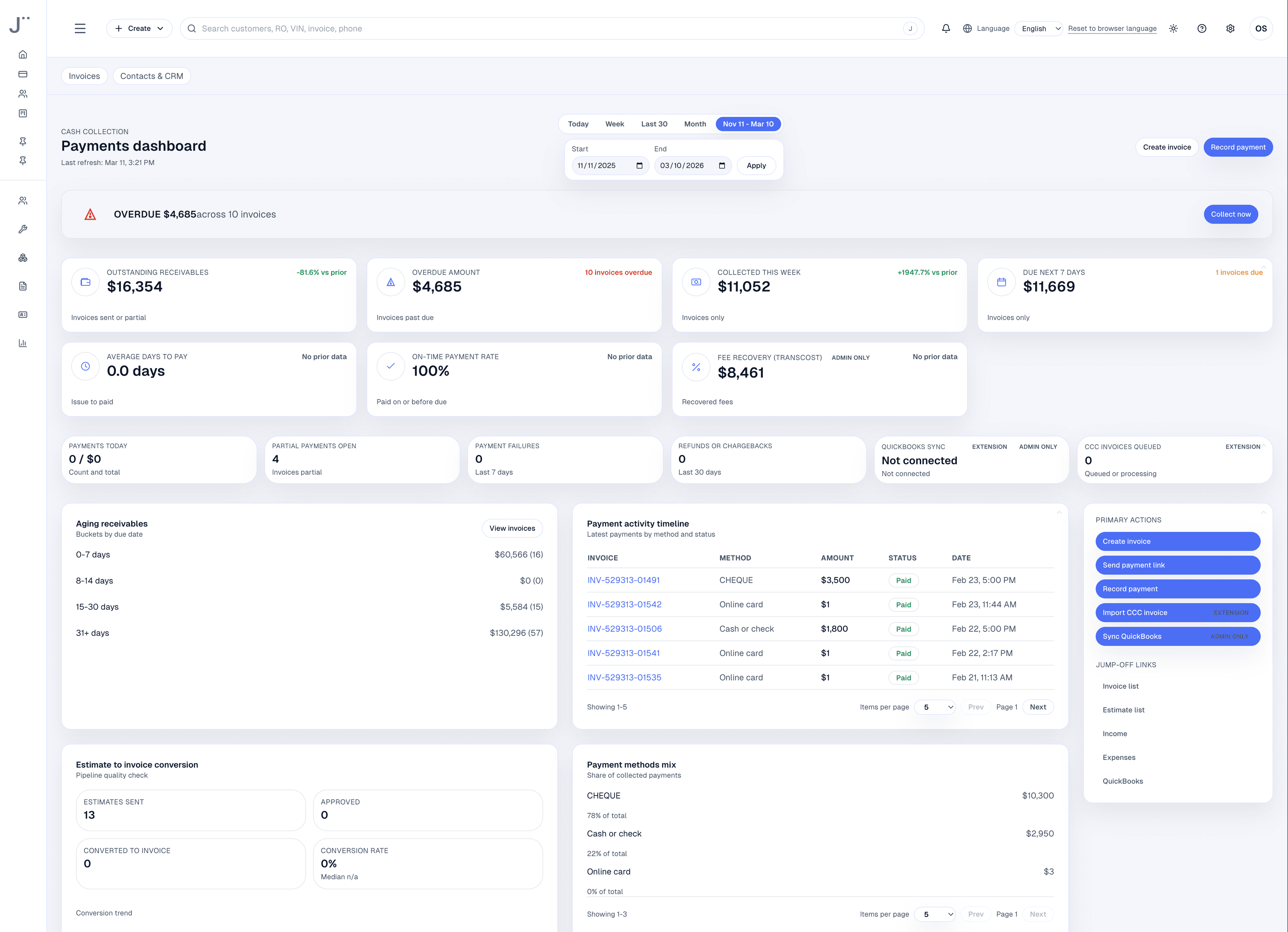
Jüulio™ keeps card, ACH, Tap to Pay, BNPL, LayAway, and TransCost policy inside one payment lane so the team does not have to improvise at closeout.
- Keep payment rails in one checkout surface.
- Use TransCost to make fee handling more intentional.
- Offer BNPL and LayAway without leaving the active invoice flow.
Why teams care
The point is fewer payment decisions made in chaos at the front desk.
Shops need fast checkout, flexible terms for larger tickets, and clear fee posture without scattering payment logic across multiple tools.
How it works
The payment lane should adapt to the job, not the other way around.
The front office chooses the best payment path from the active invoice and the system keeps status, receipts, and follow-up coherent.
Open the live invoice or estimate-to-close record
The team starts from the record that already contains the job and payment context.
Choose the right rail
Use card, ACH, Tap to Pay, BNPL, or LayAway based on ticket size, customer preference, and policy.
Apply pricing policy when needed
Use TransCost to support a clearer fee posture without losing checkout flow.
Track paid, partial, or scheduled status
Receipts, reminders, and outstanding balances stay visible after the transaction.
Payment rails
Use the right payment path for the moment in front of the desk.
Not every job needs the same closeout motion. The important thing is that the team stays in one system while choosing the best path.
TransCost
Make fee policy explicit instead of absorbing it by accident.
TransCost is the fee-strategy layer inside the payment story. It helps the shop make more intentional decisions about transaction cost posture.
- Use a clear fee policy instead of leaving the front desk to explain or absorb processing costs inconsistently.
- Keep fee logic close to the payment method so closeout stays faster and more predictable.
- Pair TransCost with TierPro when software-cost posture and payment-cost posture need to work together.
Explain policy and operational impact clearly without reproducing legacy longform fee copy.
Buy now, pay later
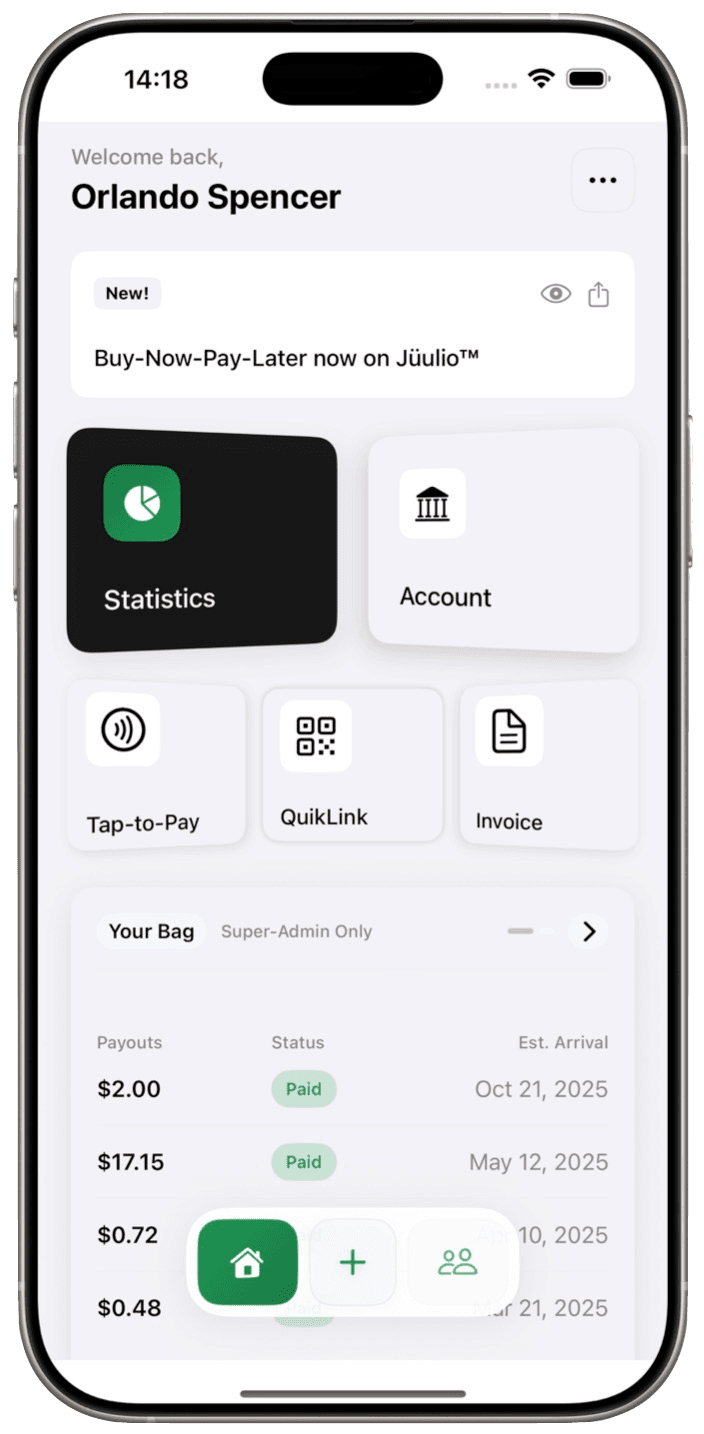
Use BNPL when a bigger ticket needs a smoother yes.
BNPL helps the shop offer customer flexibility without abandoning immediate closeout momentum.
- Surface installment-style options from the same payment context used for standard checkout.
- Use BNPL for approvals that might stall if the customer has to cover the full amount immediately.
- Keep the shop experience centered on quick conversion, clear expectations, and less front-desk improvisation.
LayAway
Use LayAway when the shop wants staged payments under its own rhythm.
LayAway is useful when the business wants an invoice-based installment schedule, reminders, and balance visibility without handing the whole story to a separate payment experience.
- Turn an active invoice into a staged payment plan with a defined schedule.
- Track partial status, remaining balance, and reminder cadence from the same operating surface.
- Use it when the shop needs more control over schedule structure than a standard BNPL flow provides.
Operational outcome
The real win is fewer payment edge cases handled outside the system.
When checkout, policy, and flexibility stay together, the team can close jobs faster and explain the payment path with more confidence.
- Reduce one-off payment workarounds at the front desk.
- Keep receipts, reminders, and state changes closer to the live customer record.
- Give managers cleaner visibility into paid, partial, pending, and scheduled outcomes.
If payment flexibility is part of the sales conversation, it should live inside the system already running the job.
Review how your team handles approvals, staged payments, and fee policy today, then map the cleanest Jüulio™ payment flow.